
Dickinson County MI-VINE Coverage
MI-VINE is Michigan's own custody-notification service. It runs 24 hours a day, free and confidential. State materials point searchers to VINELink and the MI-VINE telephone line. When an agency shares its records, the system can report custody changes such as release, transfer, escape, release on bond, or a court-ordered discharge. Participation is the tricky part. The Michigan Attorney General notes that VINE covers most counties, not all of them. No current roster proves the Dickinson County Correctional Center feeds the system today. The county once relied on a VINE-linked MobilePatrol channel, then launched a different Sheriff app in 2025. That history makes checking worthwhile. It does not settle the present feed.
Official Michigan VINELink Custody Search
The Michigan MI-VINE page is the official state introduction to custody information and notifications.
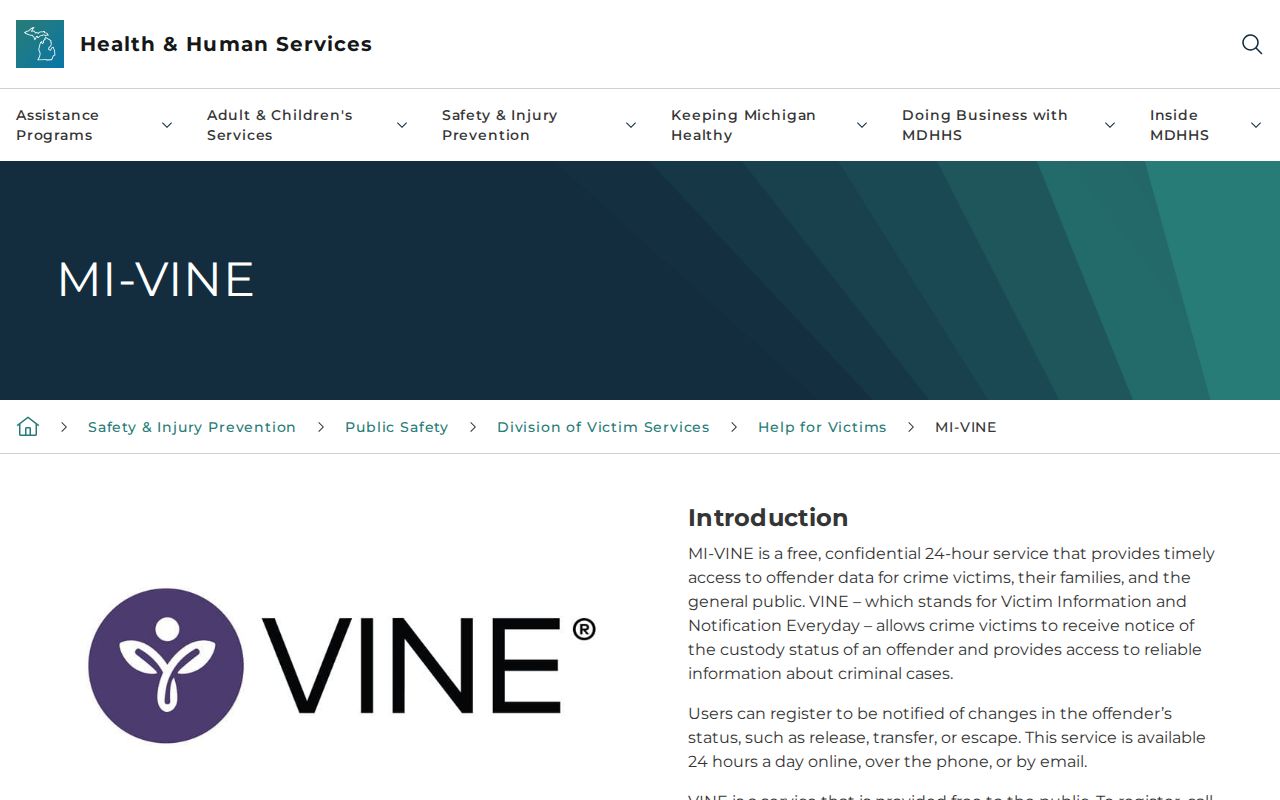
Michigan's state page names the official VINE system as the place to search. It steers people away from unofficial custody indexes. 1-800-770-7657 is the MI-VINE phone route. The service never closes. Access at 3 a.m. does not mean every fresh county booking is loaded yet. The VINELink search screen is where you test whether one person's record can be found.
Check One Dickinson County Custody Record
Start with the person's correct name and any identifier an official record already gave you. Never guess. A same-name match needs checking too.
- Open VINELink. Use the official service and select Michigan when the interface asks for a state.
- Choose the custody search. Select the offender or custody-information path shown by the current interface.
- Enter the name. Start with the exact first and last name. Add an identifier only when it comes from a reliable source.
- Narrow to Dickinson County. Use the county or agency filter if the current interface offers one.
- Review every plausible match. Compare identifiers, facility, status, and other displayed fields before selecting a record.
- Record the access time. Custody changes, so note when the result was viewed and verify urgent questions directly.
Common names often return several matches. A matching spelling proves nothing. If the fields cannot separate the right person, stop and call the Sheriff rather than pinning the wrong custody status on someone. The Dickinson County recent-arrests guide shows where the police, booking, and court records sit.
Read Dickinson County VINELink Results
The official VINELink website is the national search screen.
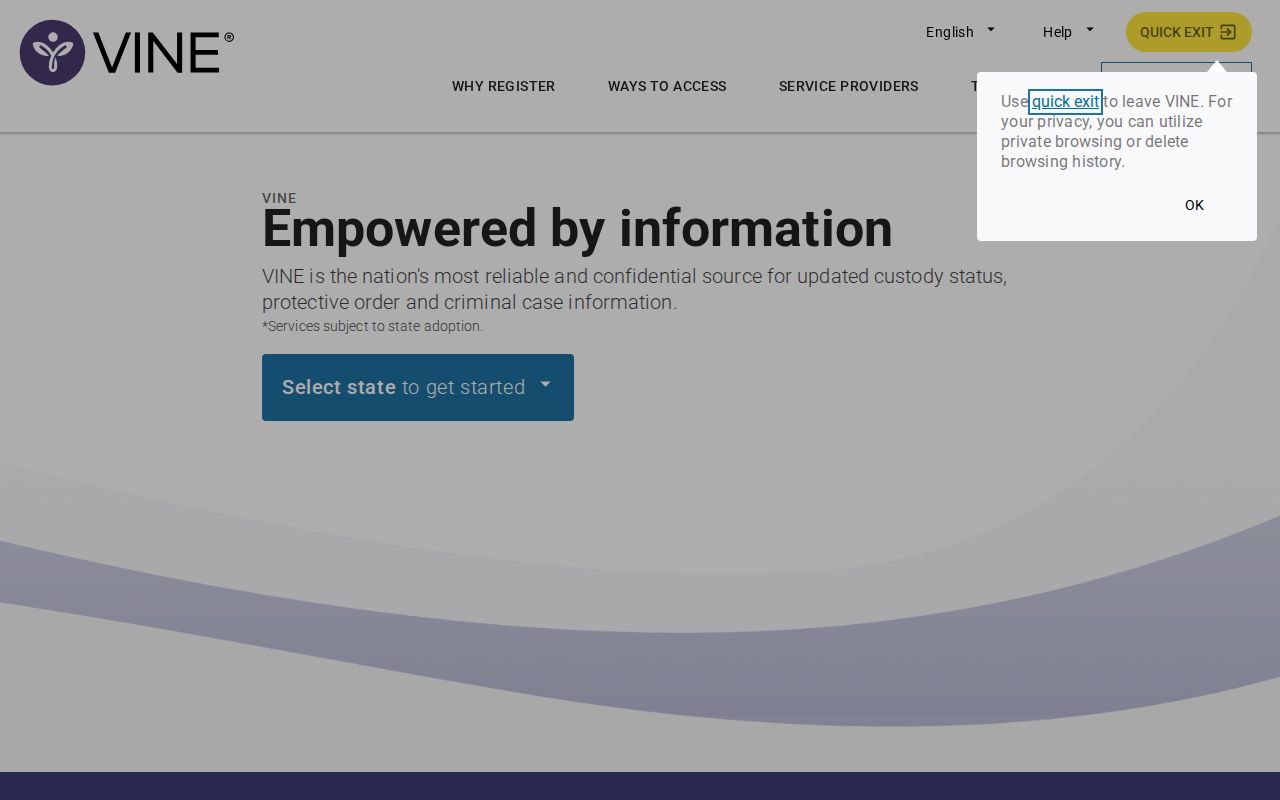
The VINELink homepage is the proper starting point. Menus and fields can change, though. Trust the labels on the live interface, not a saved picture. A valid result shows custody at one point in time. It is not a full police report or every charge filed in court. If Dickinson County is missing from the agency list, fall back to the current Sheriff app. A direct call to the jail works too. The same goes for a blank result. One failed search never proves the county sits outside MI-VINE.
Dickinson County VINELink Result Meaning
Fields vary by state, agency, and interface. Treat the table as a reading guide, and use only the fields your actual result displays.
| Result field | How to interpret it |
|---|---|
| Name | Compare it with other identifiers before deciding that the record is the intended person |
| Offender or custody identifier | Use it to distinguish records when the system supplies one |
| Custody status | Read it as the status reported through VINE at the time checked |
| Facility or agency | Confirms which participating custodian supplied the result |
| Release information | May show that county custody ended, but does not show the final court outcome |
| Transfer information | Signals a move and requires checking the receiving custody system |
| Notification option | Opens registration when alerts are offered for that record |
Keep the court file in mind. It controls the final disposition of any case. A release alert only tells you a custody event was reported. It does not mean the charge vanished or the case ended.
Register Dickinson County Custody Alerts
Registration starts from the returned record. Prompts and buttons can change. Michigan supports phone and email alerts, and its official sources describe PIN use, so follow the live instructions and keep your contact details out of any screenshot.
- Confirm the person first. Match the record before opening its notification or registration option.
- Select the offered event notices. Choose among the custody changes the record supports, such as release, transfer, or escape.
- Choose a delivery route. Enter the phone number or email address requested by the current registration screen.
- Create the required PIN. Use the PIN according to the official prompts because it is part of the notification process.
- Complete confirmation. Follow the service’s confirmation steps and retain the registration details in a secure place.
- Update or cancel through VINE. Return to the official service or telephone route when contact information or alert needs change.
Alerts are a safety aid. They cannot replace a personal safety plan or direct agency contact. Phones and email systems fail outside the custody system too. If an expected alert never arrives, check the live record and call the agency. For urgent danger, use emergency services.
MDOC MI-VINE Custody Alerts
The MDOC MI-VINE page explains corrections-based victim notifications.
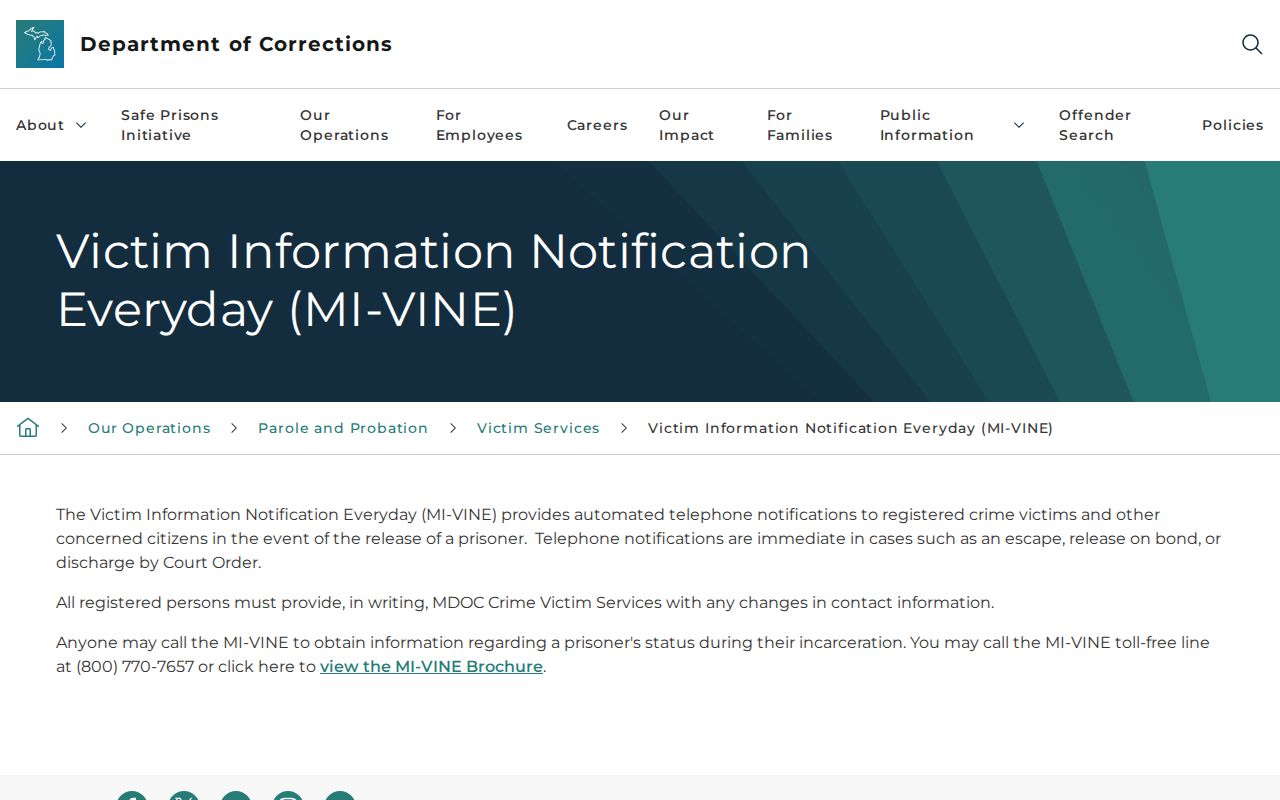
This state source matters once a case reaches MDOC custody or supervision. That stage is distinct from a new Dickinson County jail booking. MDOC runs a separate state search, OTIS. The Offender Tracking Information System covers prisoners, parolees, and probationers within its stated scope. A person arrested by Iron Mountain Police may be held briefly in the county correctional center. That person may never show up there. Someone sentenced to state custody may appear later. Even then, an OTIS profile is an MDOC record, not the original county booking. MDOC says notifications can be immediate for covered events. Examples include escape, release on bond, or discharge by court order. That describes the program's capability. It promises no timetable for county data entry. Nor does it confirm a fresh county booking is in the system yet.
Fresh Dickinson County Custody Data
An arrest in Dickinson County and a booking entry are two different steps. The jail first handles transport, identification, medical checks, and paperwork. Data entry comes later. So a fresh arrest may not show up in a custody search right away. That gap is normal. Someone missing from the results could still be processing. They could already be released, or sit with another agency. Or they may not appear through that search at all. The county has posted no promised VINELink update window. Start your fallback with the official Dickinson County Sheriff MI app. Launch reporting listed inmate search as a headline feature. App menus change, so open it live rather than trusting old notes. If the record you need is not in the menu, call the Dickinson County jail at (906) 774-6270. The Sheriff's main office can also be reached at (906) 774-6262. Staff can offer limited verification over the phone. They can also route a historical request through the records process. For same-day delays specifically, the Arrests Last 24 Hours guide is the place to look. It explains the lag behind the arrest itself. Treat neither the county app nor VINELink as a complete list. No source lists every booking inside a 24-hour window.
Note: Check the live source and call the jail when timing affects safety, transport, release planning, or court attendance.
Dickinson County Custody System Boundaries
Every custody system tracks only the agency holding the person. Pick the wrong one and you get a blank screen. Custody can still exist somewhere else. Dickinson County jail custody, Michigan state corrections, federal prison custody, and immigration custody are four separate systems. Each search stays inside its own lane.
| Custody stage | Correct starting source |
|---|---|
| Dickinson County jail | VINELink if a county record returns, then Dickinson County Sheriff MI and the Sheriff’s Office |
| Michigan prison, parole, or probation | MDOC OTIS, with MI-VINE notification options where available |
| Federal Bureau of Prisons custody | BOP Inmate Locator, not county VINELink results |
| Immigration custody | DHS/ICE VINE, a separate service |
| Post-booking court case | MiCOURT and the Dickinson County court clerk, not a custody alert alone |
A DHS/ICE VINE hit does not mean the person was booked in Dickinson County. The same goes for a BOP result. That is federal custody, not a county booking-photo roster. A transfer notice is your cue to name the receiving agency. Shift to its own official search. Label both records, the original booking and the new custody entry, by source and date. That way nothing gets mixed.
Verify Dickinson County Custody Changes
Alerts move fast. But any automated system rides on the agency's data and the delivery route. When a message reports a release, transfer, or escape, open the official record again. Contact the responsible agency too. Safety and time-sensitive plans deserve that extra step. An old screenshot proves nothing. A forwarded alert without a checked source proves even less.
Inside the county app, public-safety alerts and inmate search are two different tools. A weather, road, or safety notice does not show that a named person was booked. An inmate-search hit does not guarantee a push alert went out either. Keep your MI-VINE registration tied to that one person's custody record. Nothing else belongs in it.
For anything after the arrest, the court owns the answer. Check MiCOURT or the county clerk for the judicial result. The chain stays simple. VINELink returns the custody record and alerts, the Sheriff verifies Dickinson County custody directly, and the court closes it out.
Public Record Search
Sponsored Results